


Cyber Security Awareness – October 2026
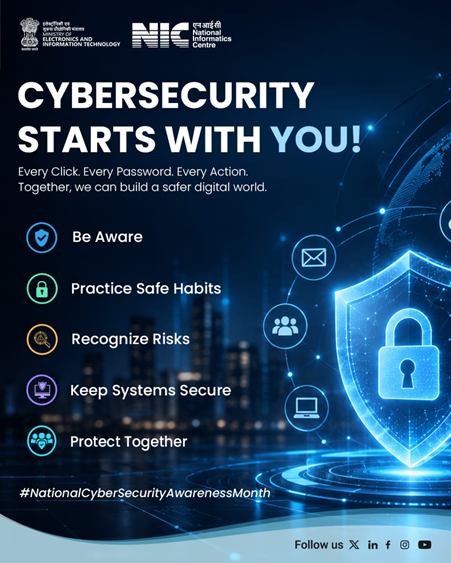
Cyber security starts with you!
Cyber security starts with you!
Every click, password & online choice matters. This National Cybersecurity Awareness Month, let’s build safer digital habits by staying alert, recognizing risks, and securing our systems.
Let’s make every digital interaction a safer one.
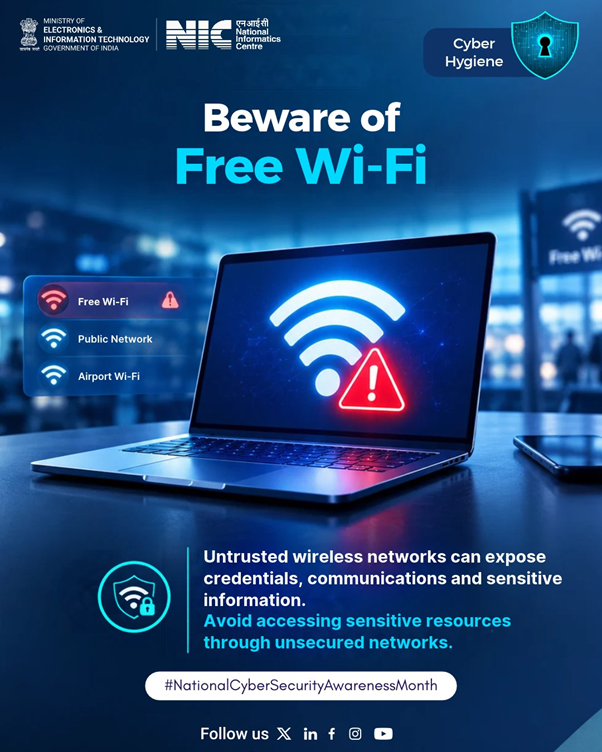
Free Wi-Fi
That “Free Wi-Fi 🛜” might cost you more than you think. Think before you connect, and keep your sensitive logins for networks you trust.
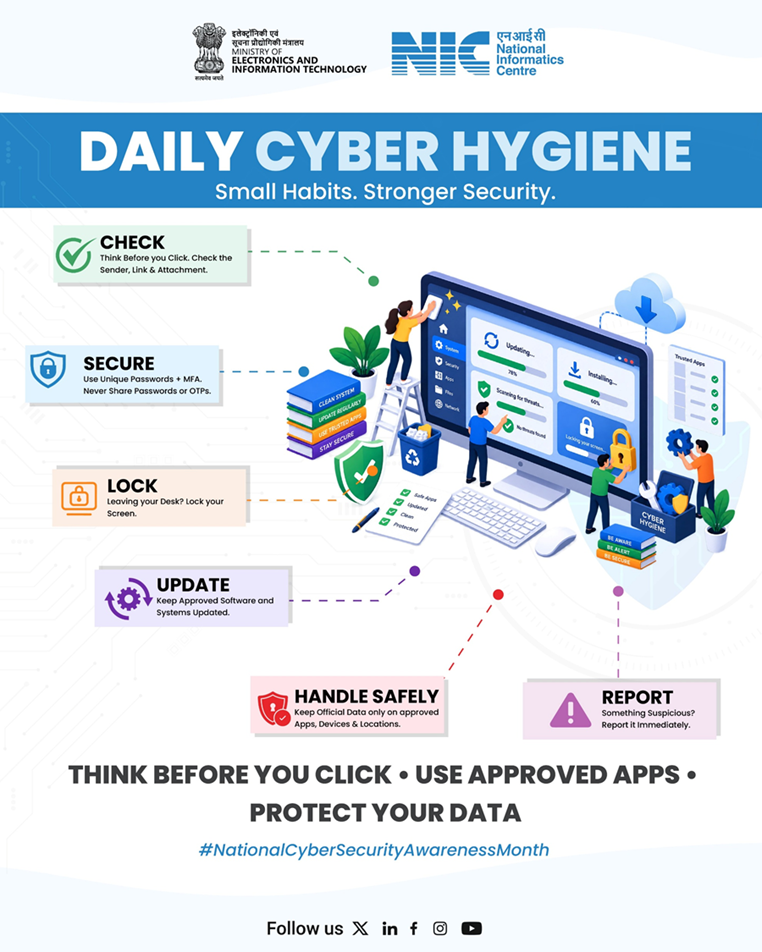
Make cyber hygiene a daily habit.
Small Habits, Stronger Security. Small actions can prevent big security risks. Make cyber hygiene a daily habit and help keep yourself, your data and your organisation safe.
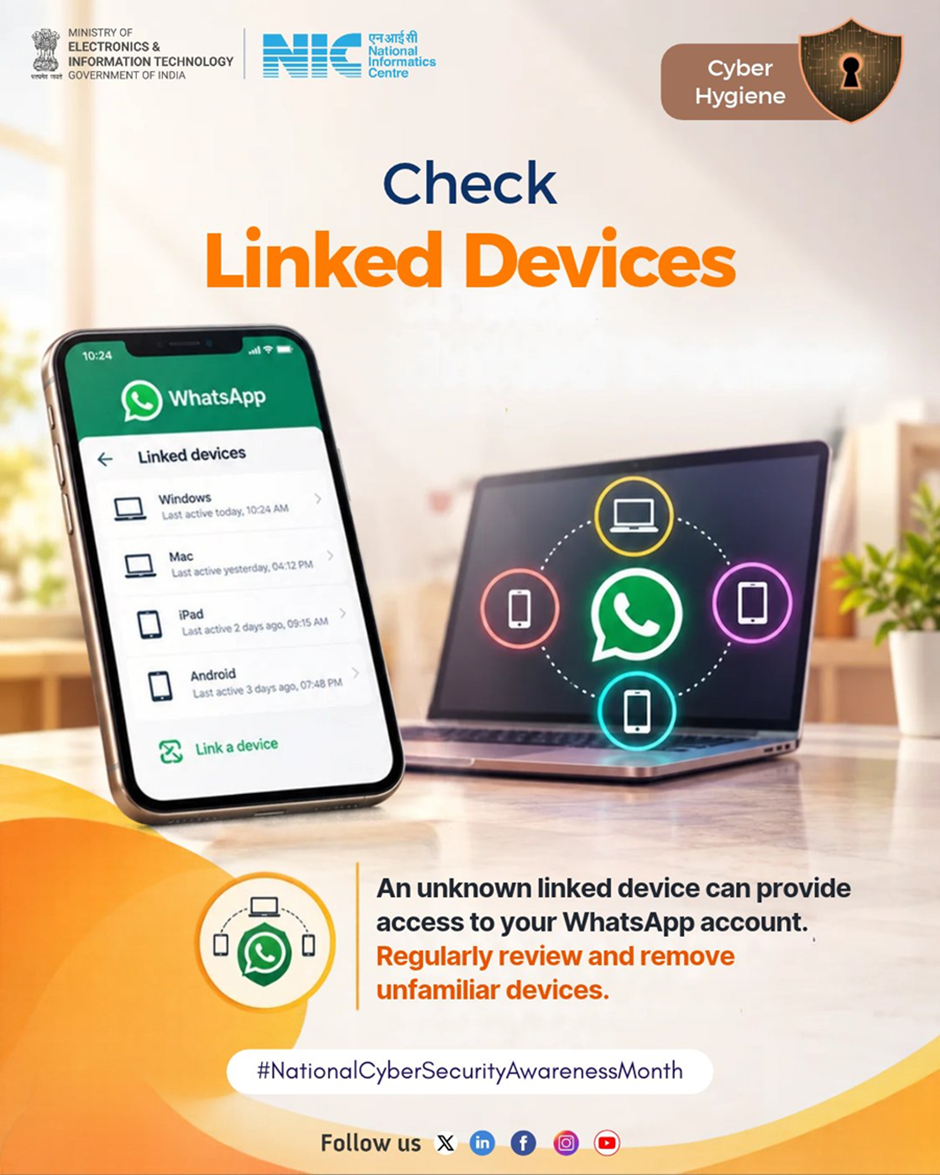
Check your linked devices
Do you know which devices have access to your WhatsApp? When did you last check your linked devices? If you can’t remember, check now and stay secure.
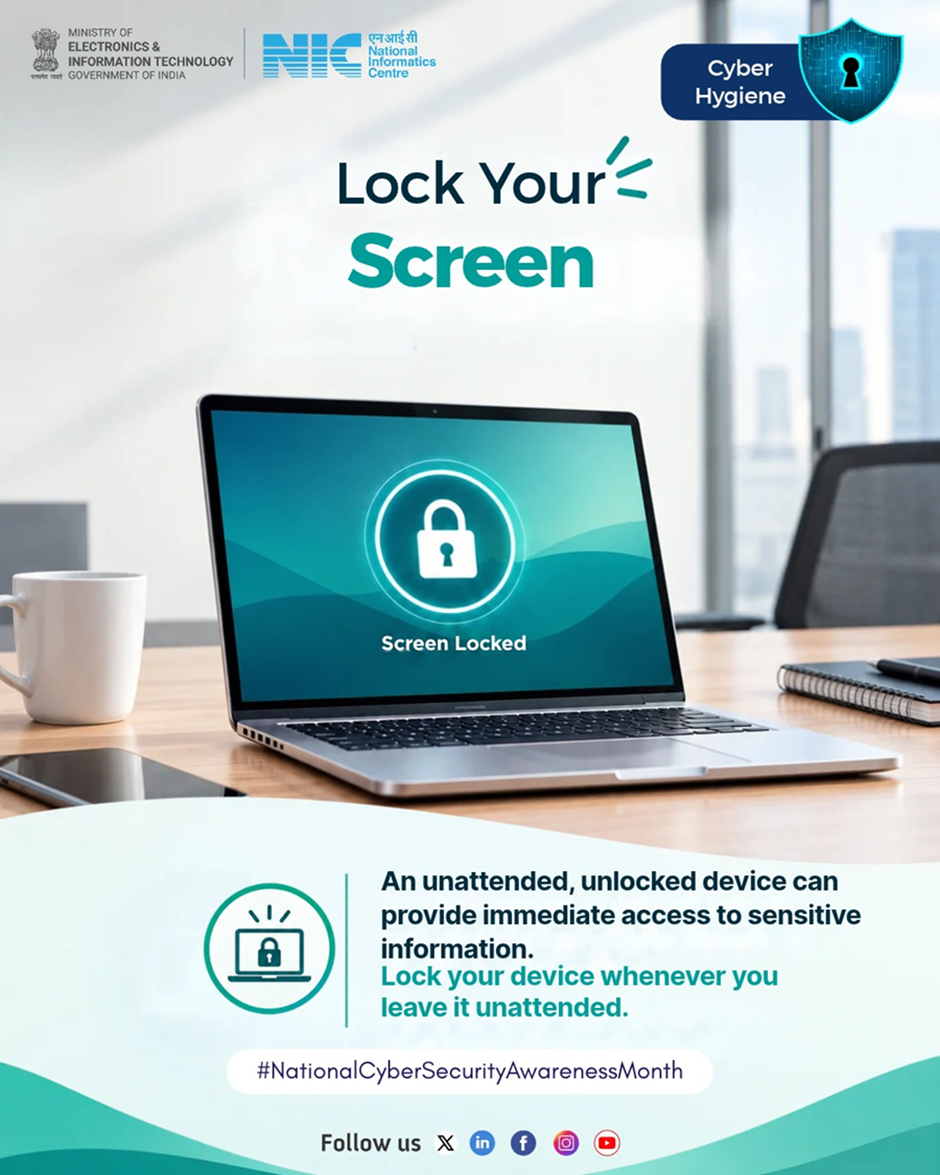
Lock your screen whenever you step away.
What can happen in the few minutes you leave your screen unlocked? A moment is all it takes for someone to access sensitive information.
Lock your screen whenever you step away.
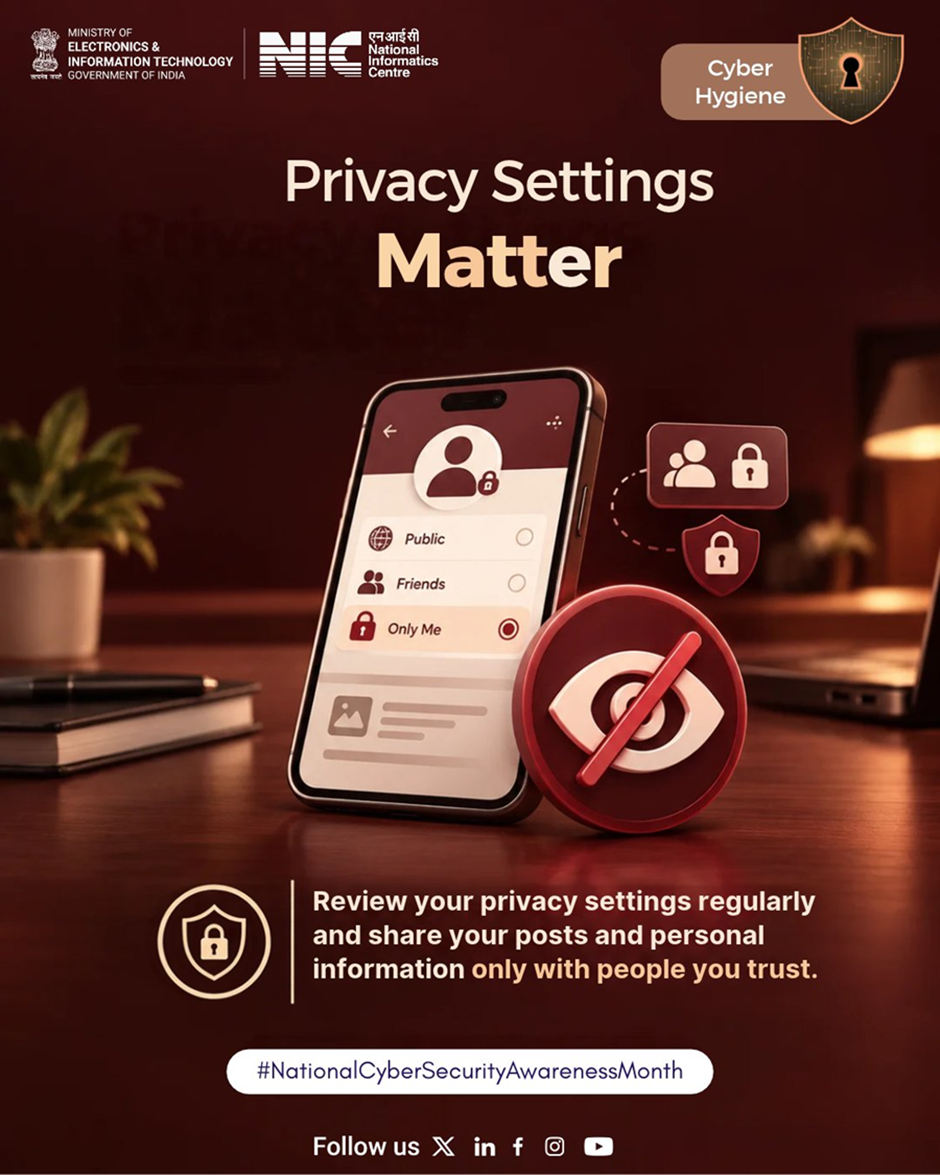
Privacy Settings Matter.
Review your privacy settings and make sure your photos, posts and personal information are shared only with people you trust.
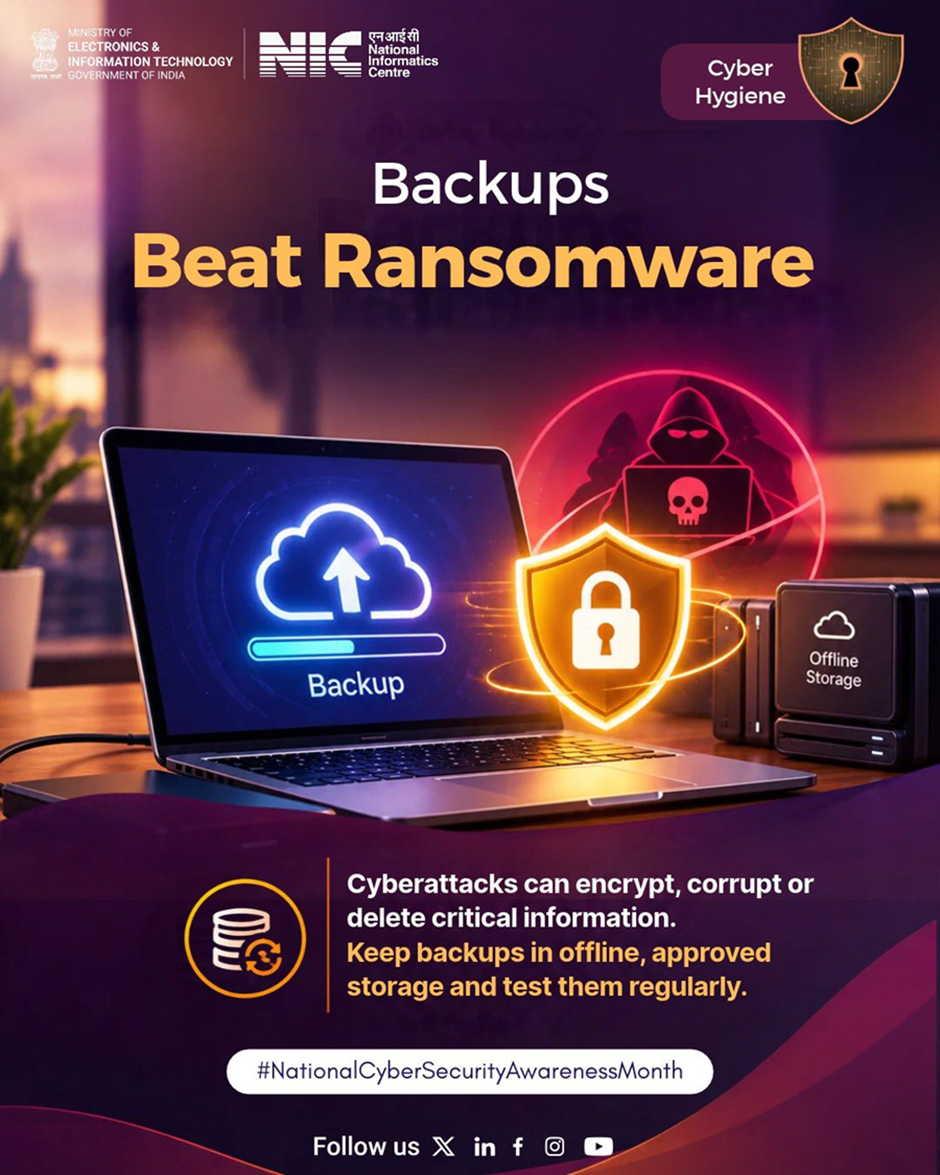
Back up your important data regularly.
💾 What if you suddenly lose access to your important files? Don’t let a device failure, cyberattack or accidental deletion turn into permanent data loss.
Back up your important data regularly. Protect what matters.
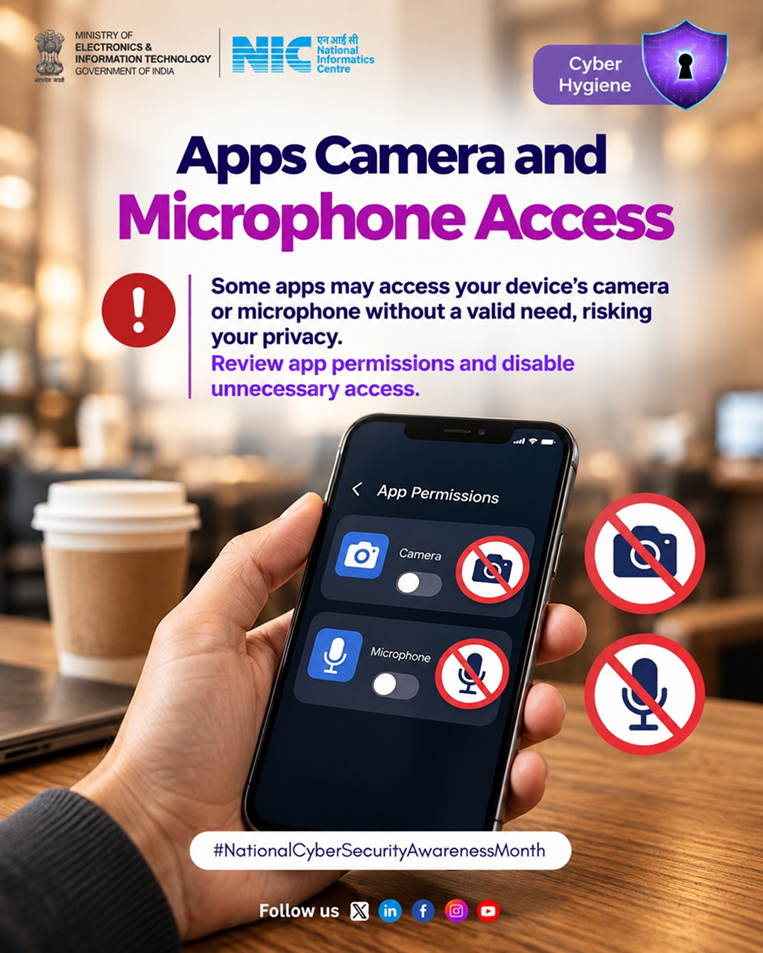
Not every app needs access to your device’s camera or microphone.
Not every app needs access to your device’s camera or microphone.🛡️ Take a moment to review app permissions and disable access that isn’t necessary. Protect your digital privacy.
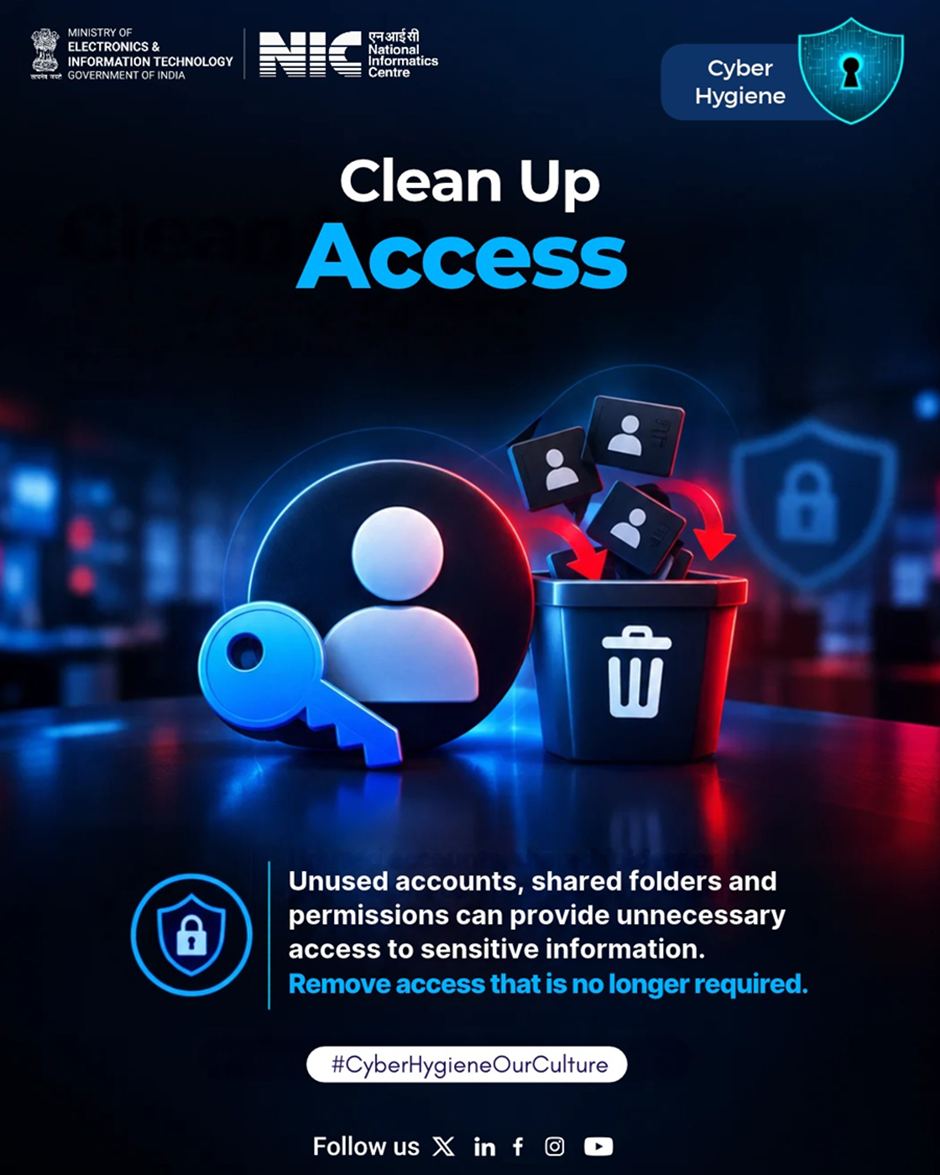
Regularly review access rights and remove permissions.
How many old accounts, shared folders or permissions still have access to your information?. Regularly review access rights and remove permissions that are no longer required to keep your digital environment secure.
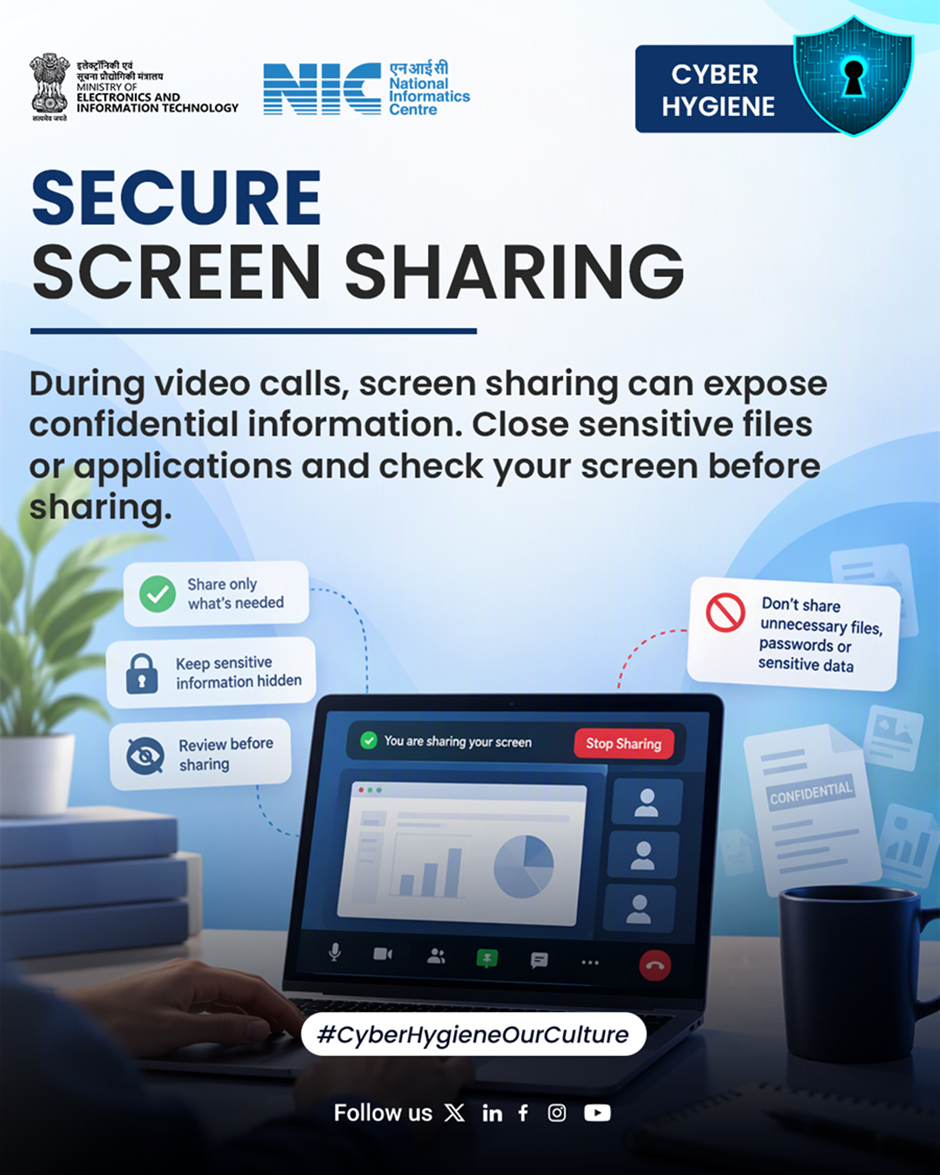
Secure your screen sharing.
Before you share your screen, pause and review!. Ensure no confidential files, passwords, or sensitive information are visible. Share only what’s necessary and keep your data protected.
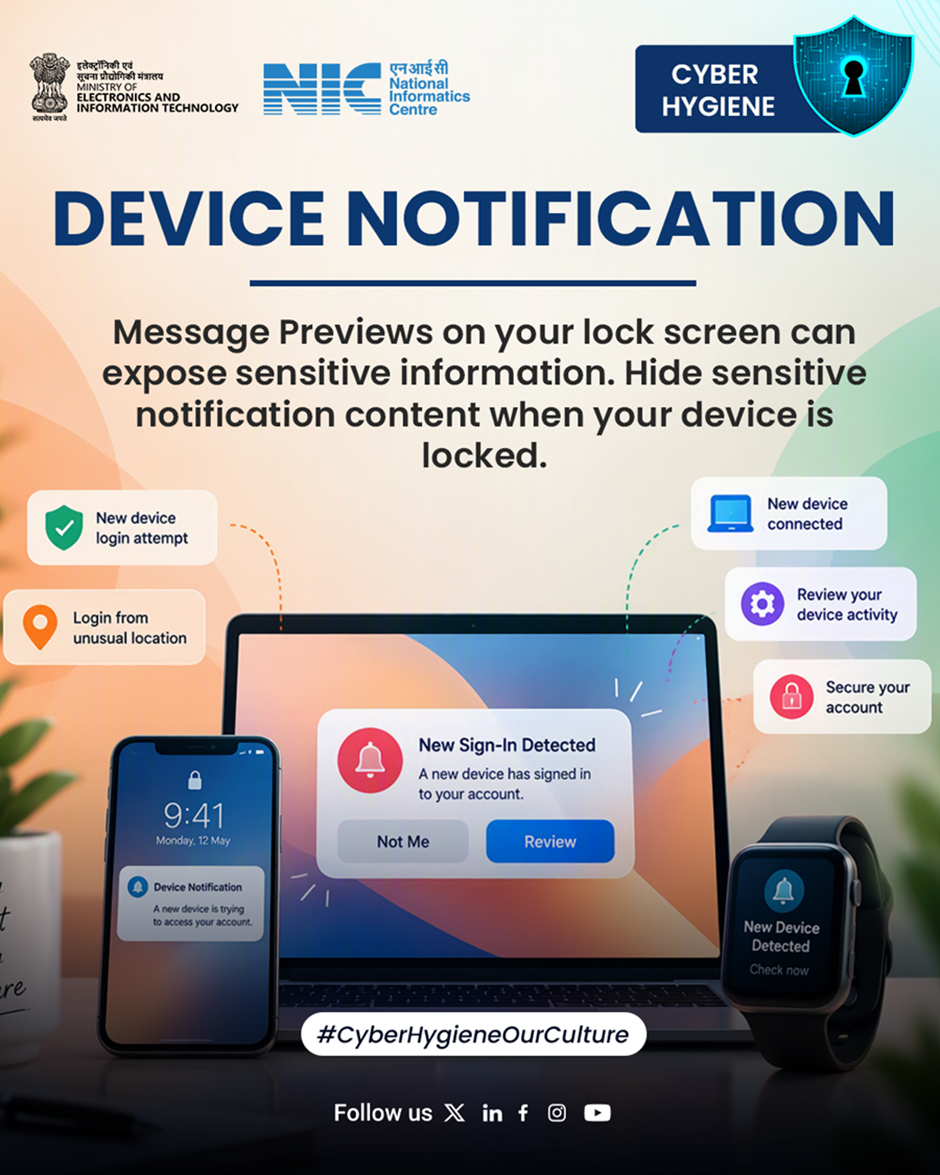
Device Notification.
Your phone is locked – but is your information?. Hide sensitive message previews on your lock screen to protect your privacy.
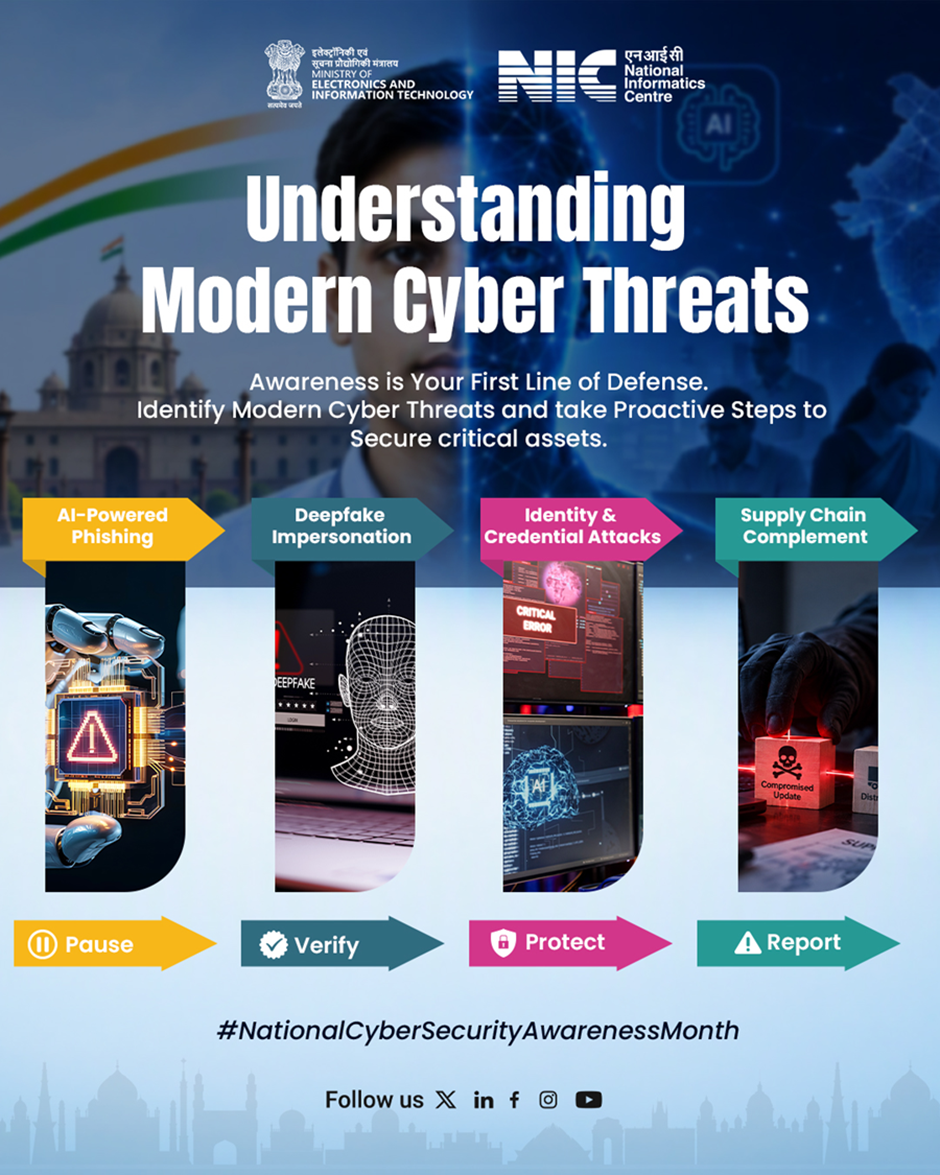
Modern cyber threats are evolving.
Modern cyber threats are evolving. From AI-powered phishing to deepfakes, stay alert, verify before you trust, protect your credentials, and report suspicious activity.
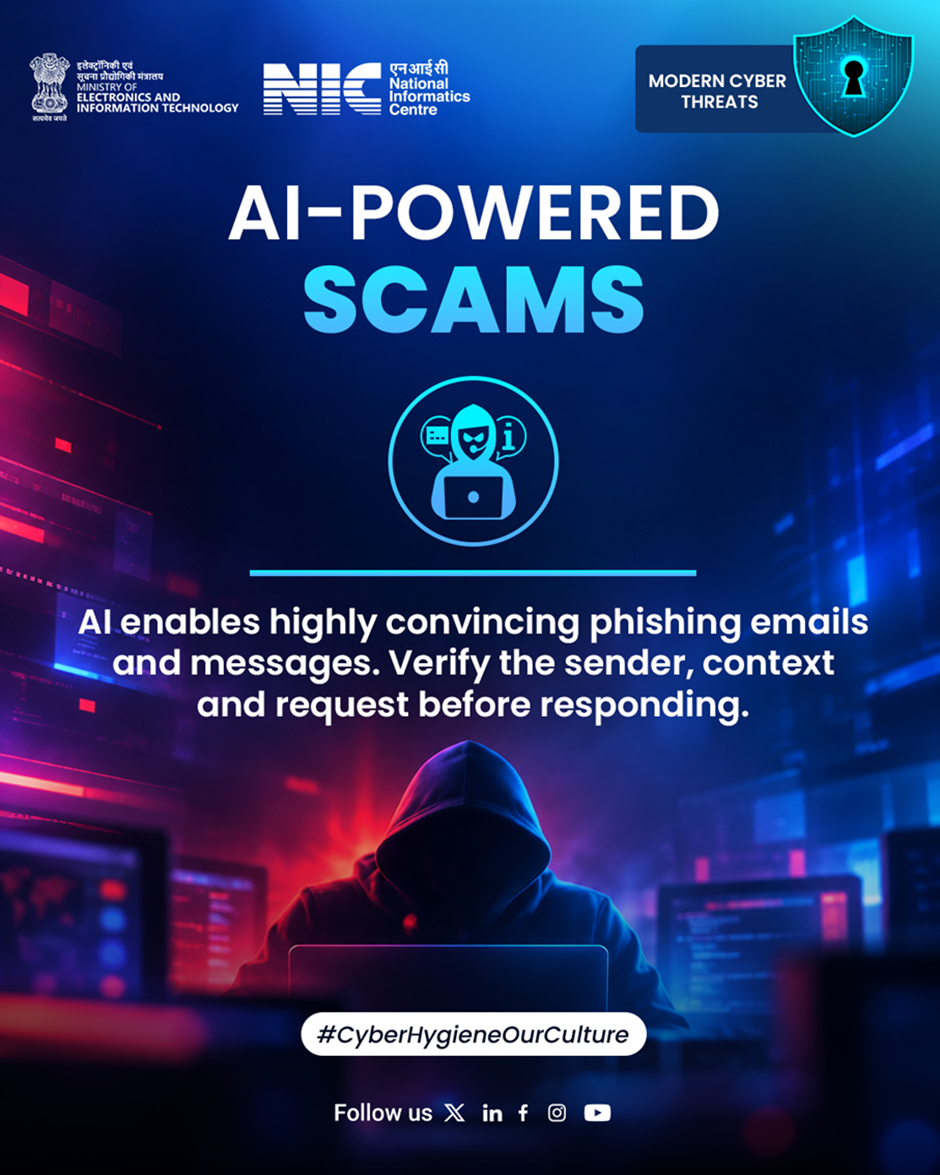
AI-Power Scams.
Can you tell if a convincing message was written by a human or AI? Don’t assume – verify the sender, check the context, and think before you respond.
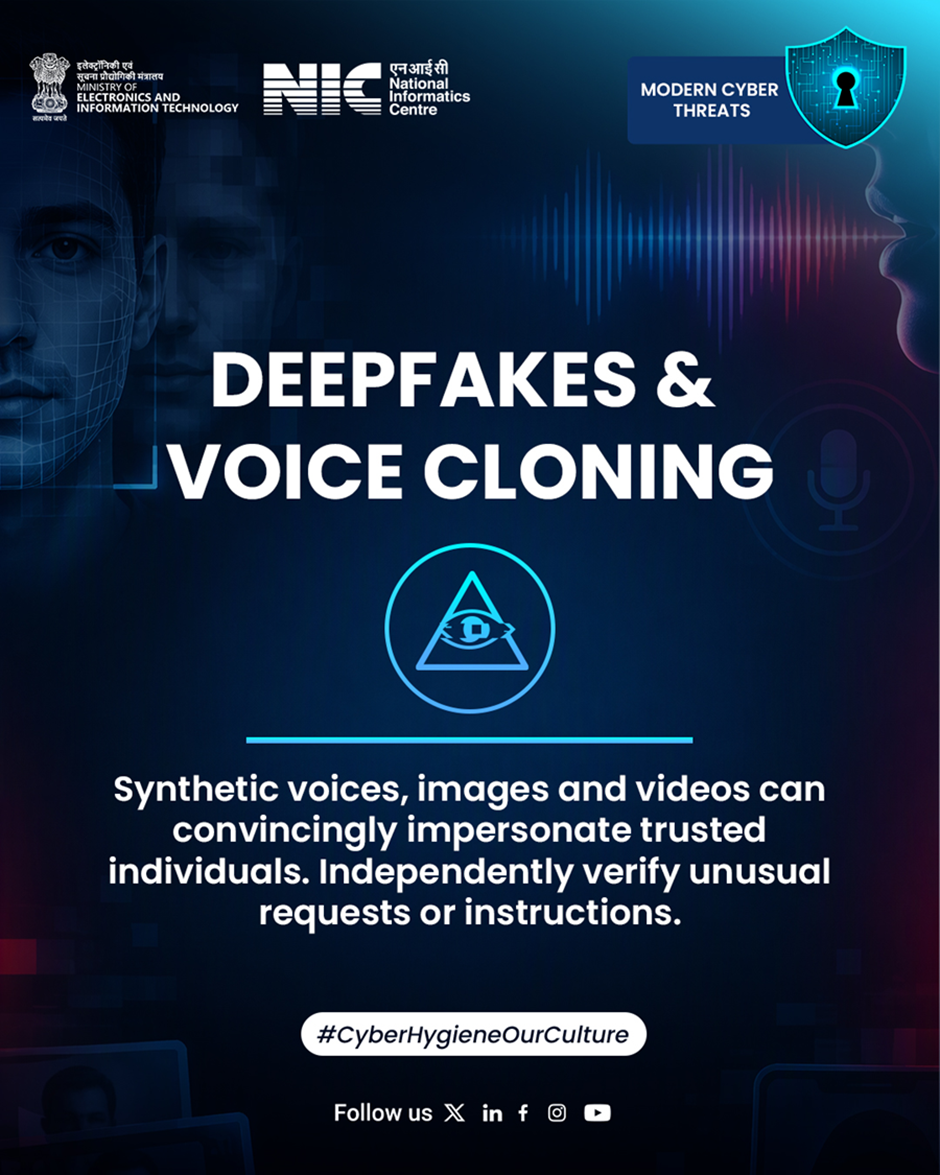
Cybercriminals can use AI-generated voices.
What if the voice on the other side isn’t really who you think it is?. Cybercriminals can use AI-generated voices, images, and videos to convincingly impersonate people you trust. Always verify unusual requests through trusted channels.
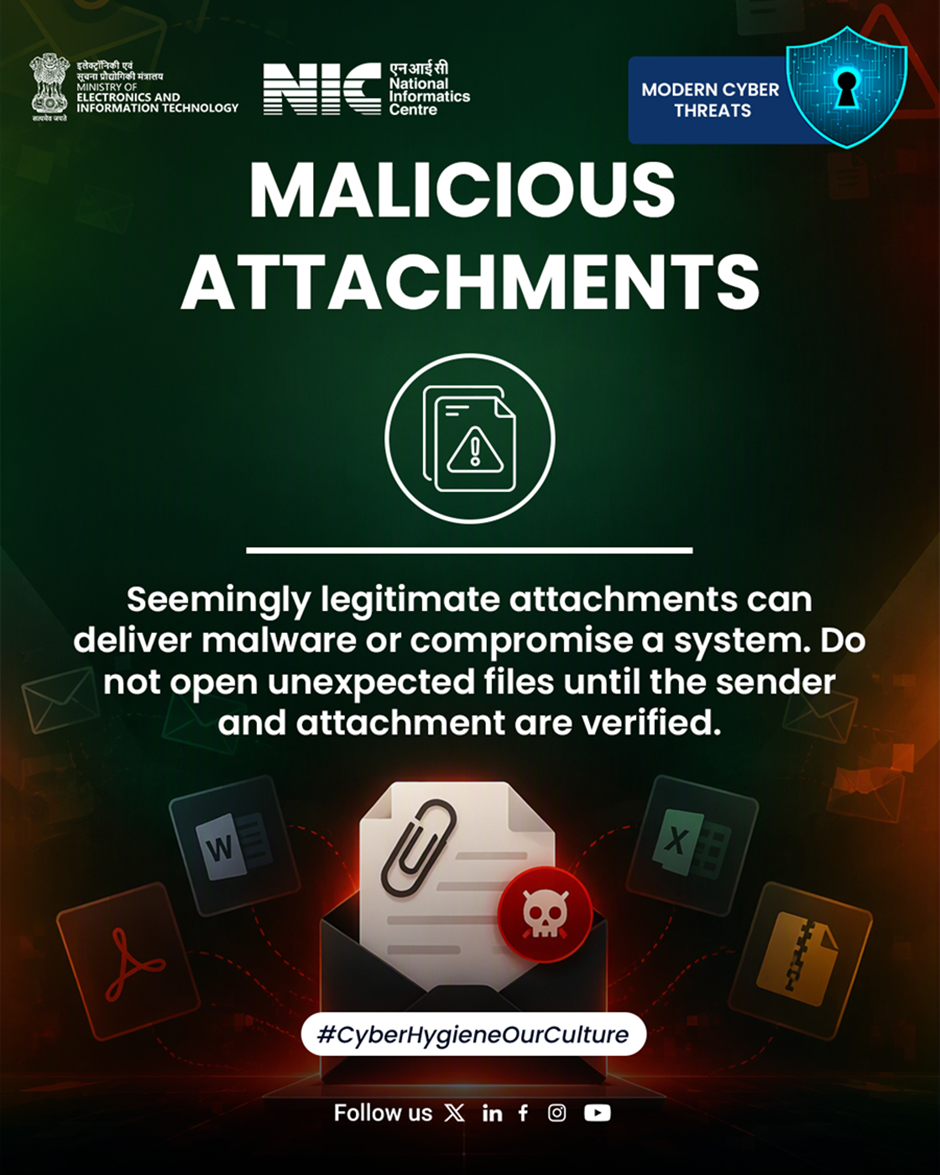
One malicious attachment.
One malicious 📎 attachment can put your entire system at risk!. Think before you click! Verify the sender and scan unexpected attachments before opening them. Stay alert, stay cyber safe!.
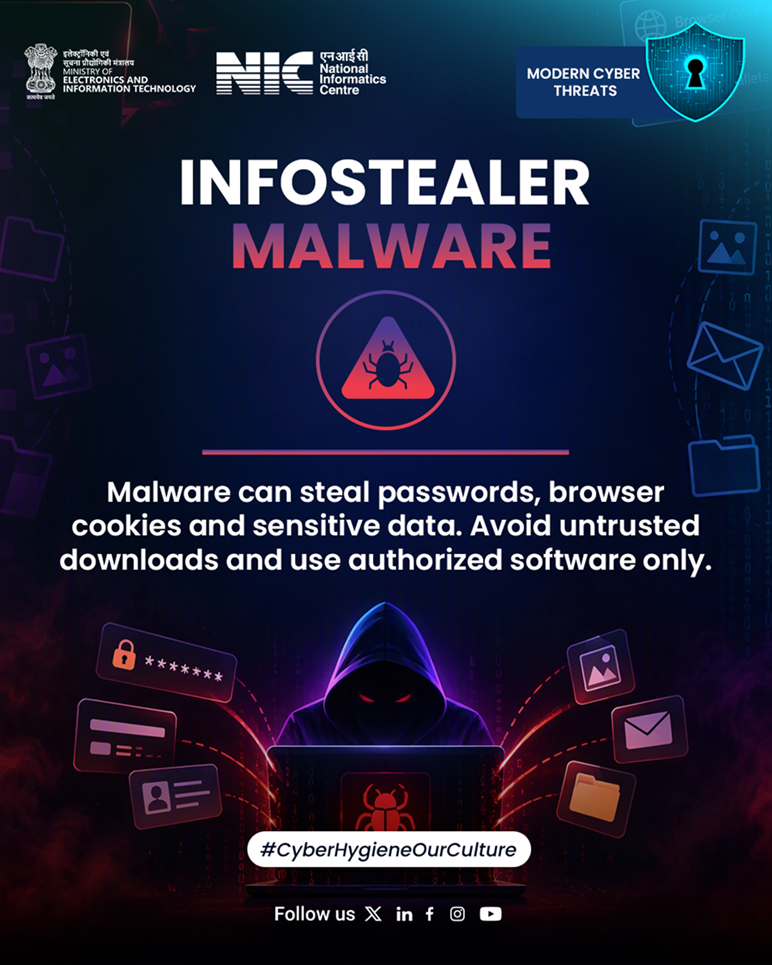
InfoStealer malware.
Your password isn’t the only thing an attacker may be looking for. What else is stored in your browser? InfoStealer malware can steal browser cookies, saved credentials & sensitive data. Avoid untrusted downloads.
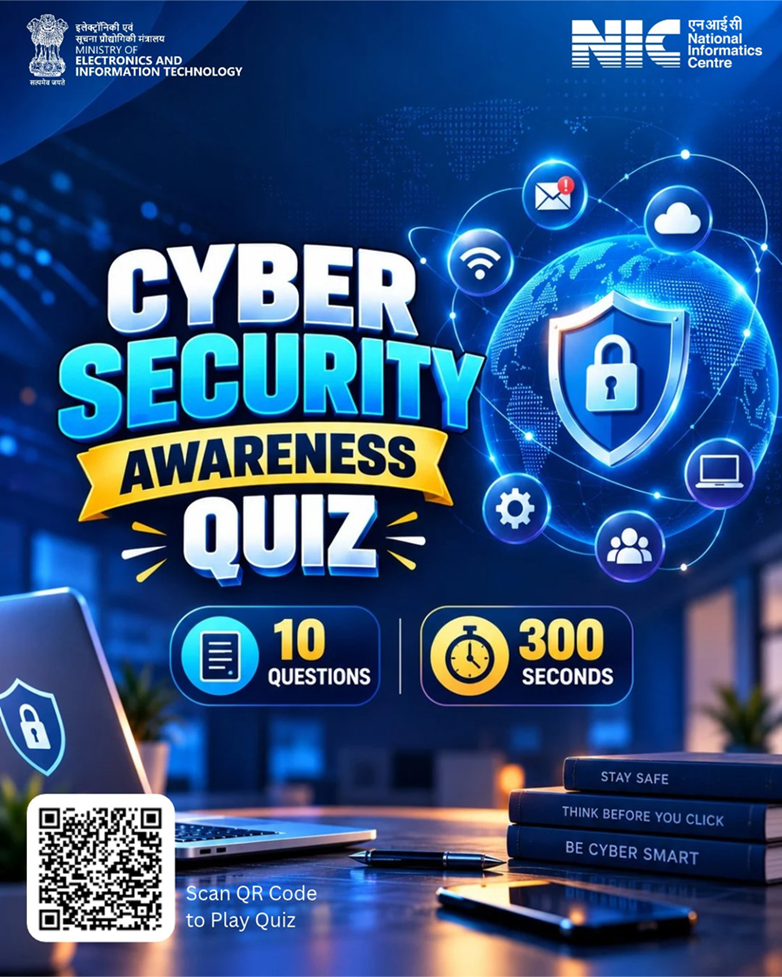
CyberSecurity Awareness Quiz 2026.
Think You’re Cyber Smart? Prove It!. One wrong click can put your digital safety at risk. Are you ready to test your CyberSecurityAwareness?
Take the CyberSecurity Awareness Quiz 2026 and challenge yourself to become more aware, alert & cyber-safe. Play now 👉 https://quiz.mygov.in/quiz/cyber-security-awareness-quiz-2026/
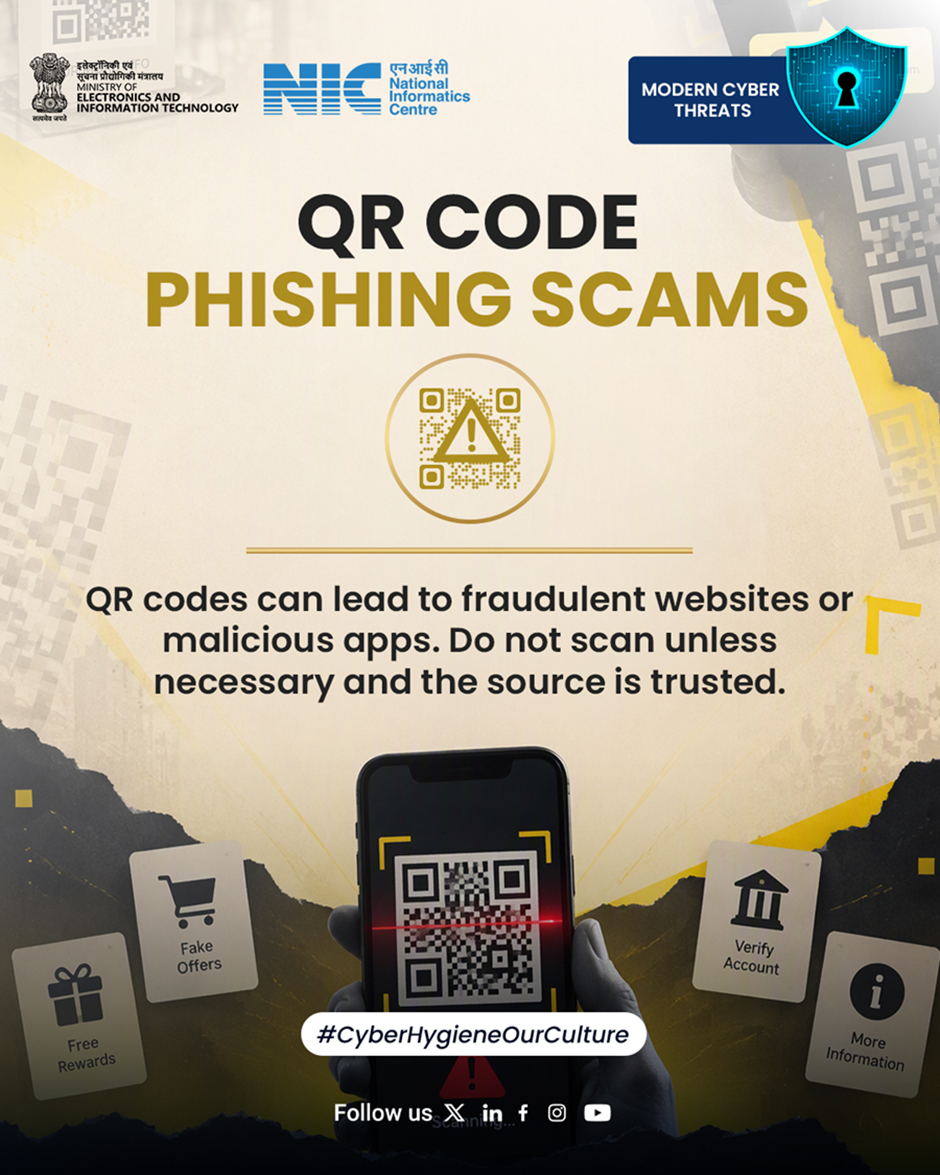
QR Code Phishing Scams.
That warning on your screen might be there for a reason!.⚠️ Pause, check, and think before you proceed.Stay alert, stay safe online.
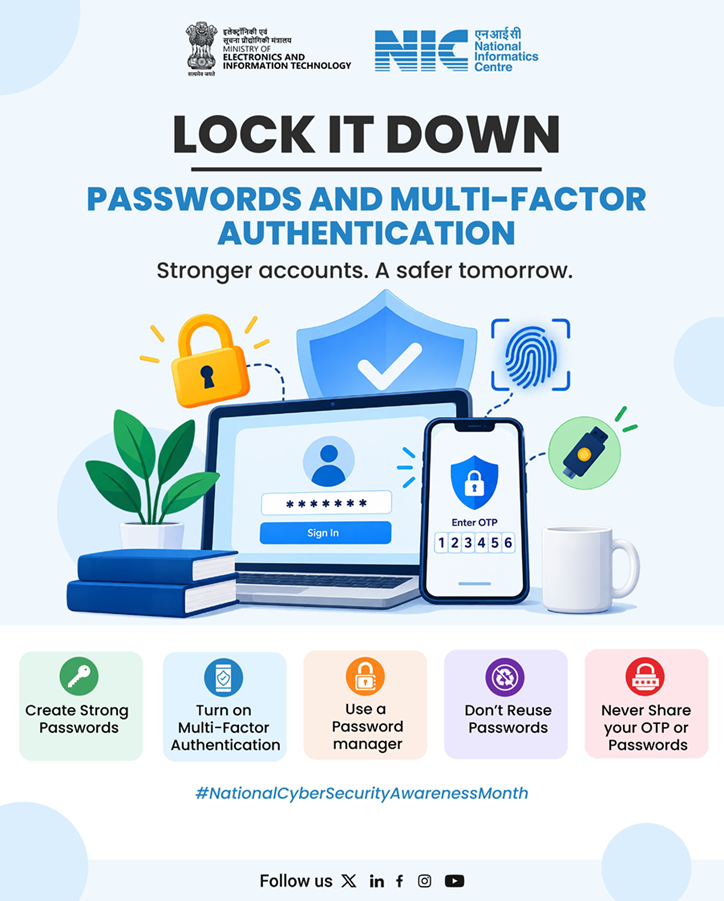
Strong passwords and Multi-Factor Authentication (MFA).
Lock it down!. Strong passwords and Multi-Factor Authentication (MFA) are your first line of defence against cyber threats.Create strong, unique passwords, enable MFA, and never share your passwords or OTPs.
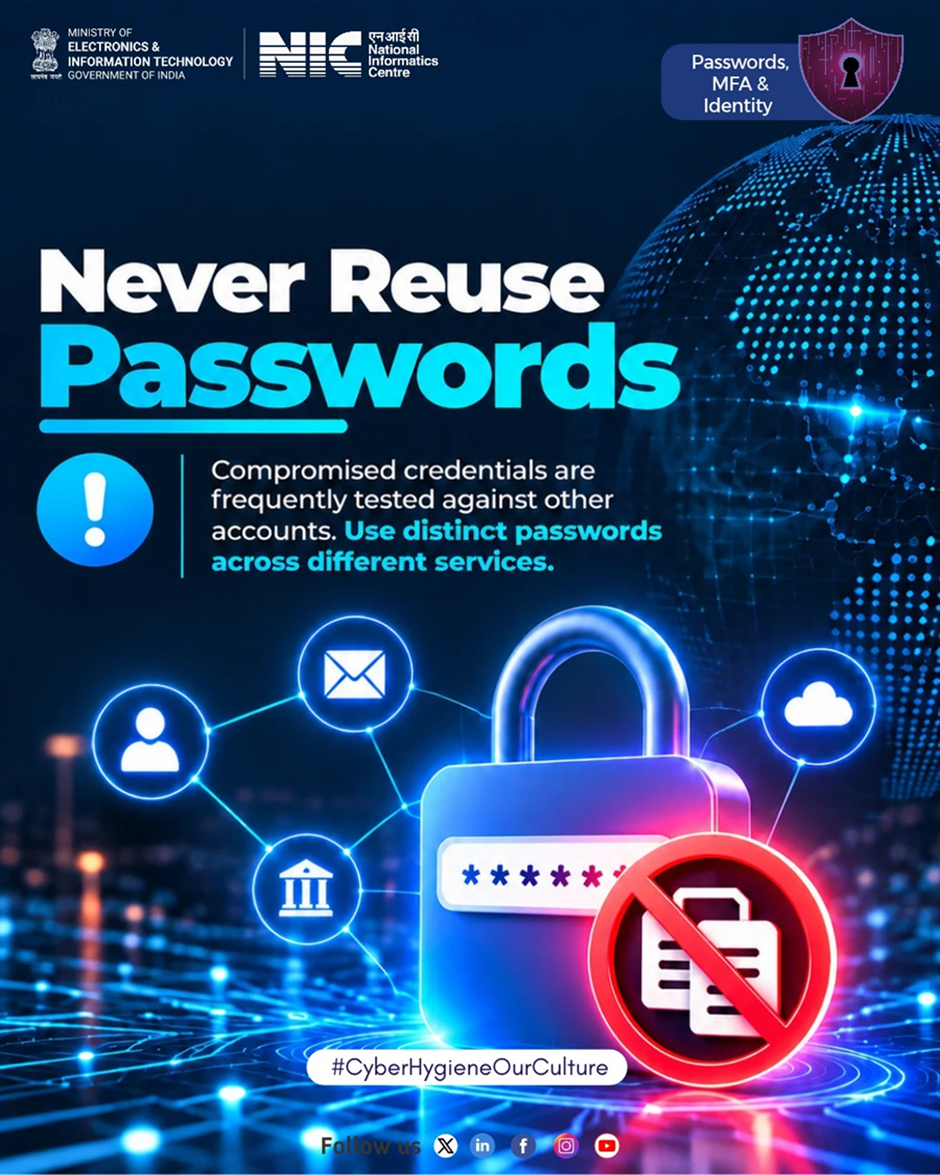
Never Reuse Passwords.
One compromised password could put multiple accounts at risk.Use strong, unique passwords for every account and enable Multi-Factor Authentication (MFA) for an extra layer of security.One password, one account.
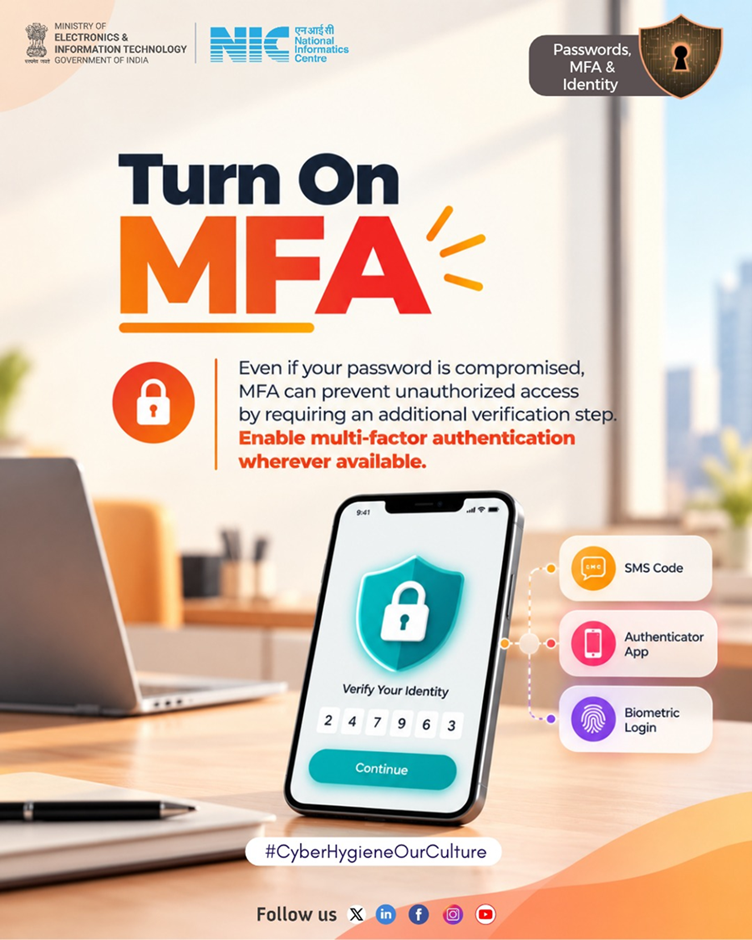
Turn On Multi-Factor Authentication (MFA).
What if someone gets your password?. Is your account still safe?. Add an extra layer of protection with Multi-Factor Authentication (MFA). Enable it wherever available to keep unauthorized access at bay!
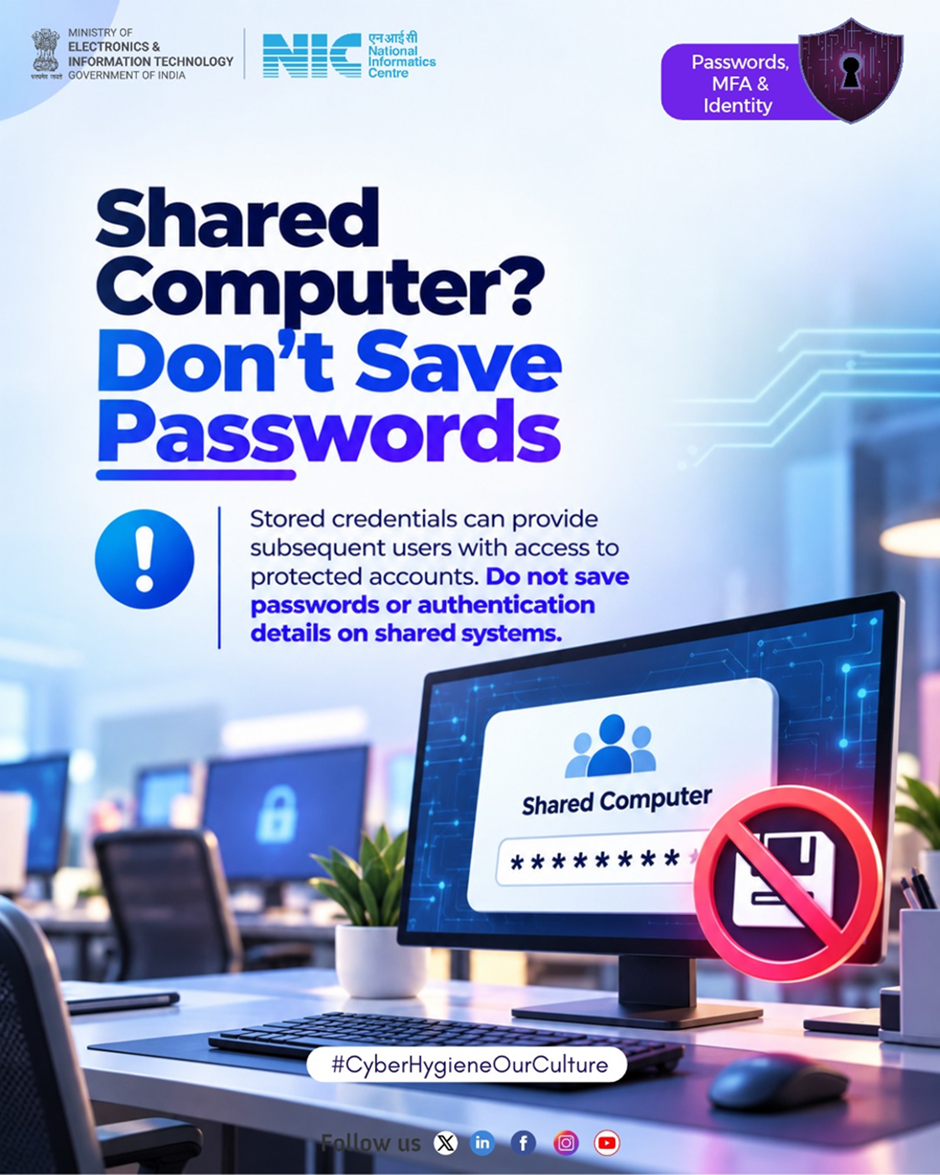
Never save passwords on shared systems.
Would you save your password on a shared 💻computer?. Think again! Never save passwords on shared systems. Log out, stay safe!🛡️
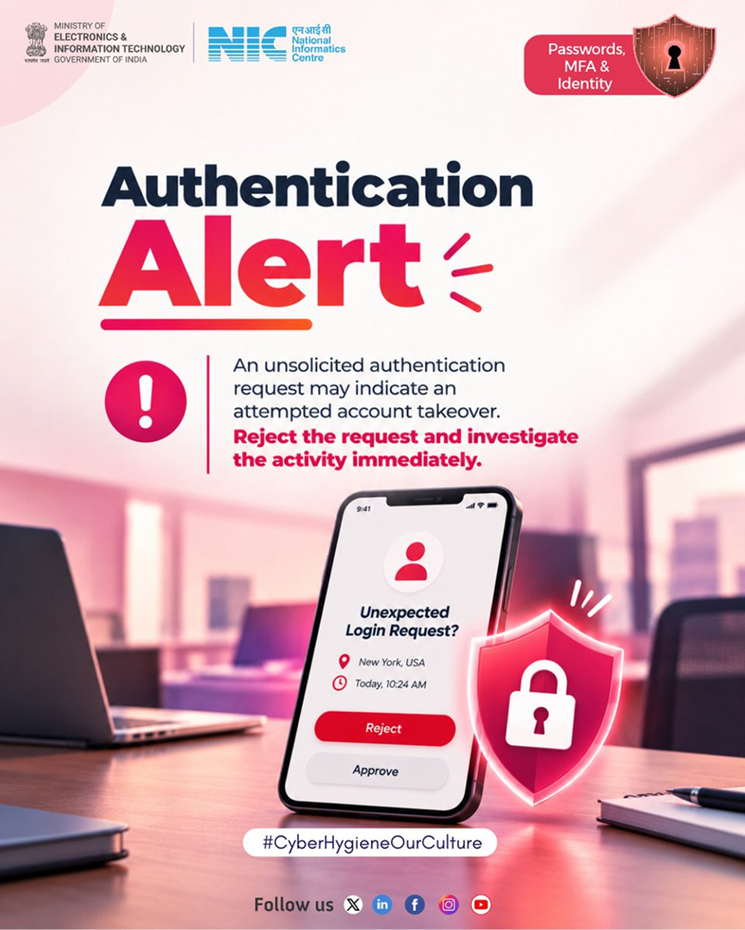
Stay alert and make cyber hygiene a habit.
You didn’t try to log in. So why did you receive an approval request? 🚨🔐.It could be a sign that someone is trying to access your account without your permission.Never approve an unexpected login request. Reject it, secure your account, and investigate immediately.Stay alert and make cyber hygiene a habit! 🛡️
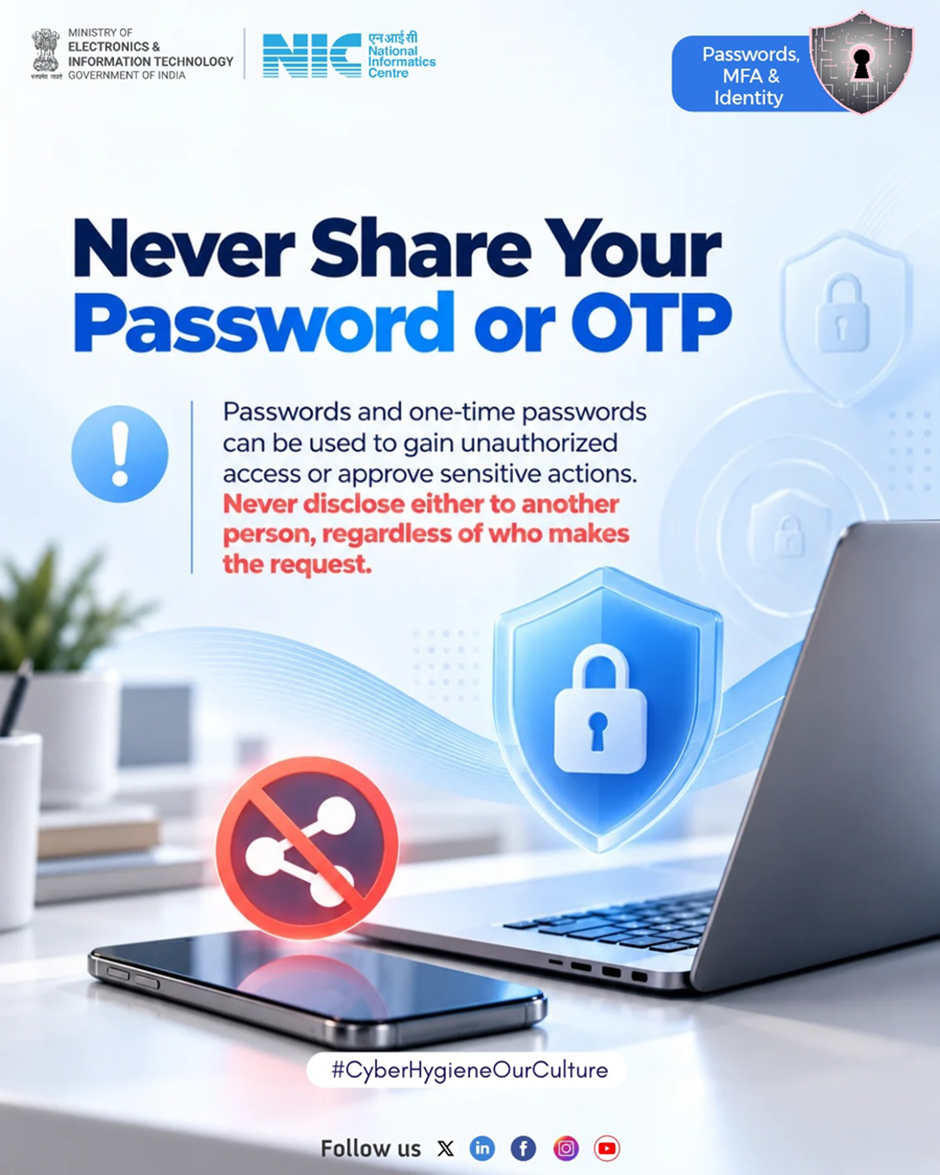
Someone asks for your password or OTP and sounds genuine.
Someone asks for your password or OTP and sounds genuine. Would you share it?.⚠️ Think before you trust! Never share your password or OTP with anyone, no matter how genuine they sound.
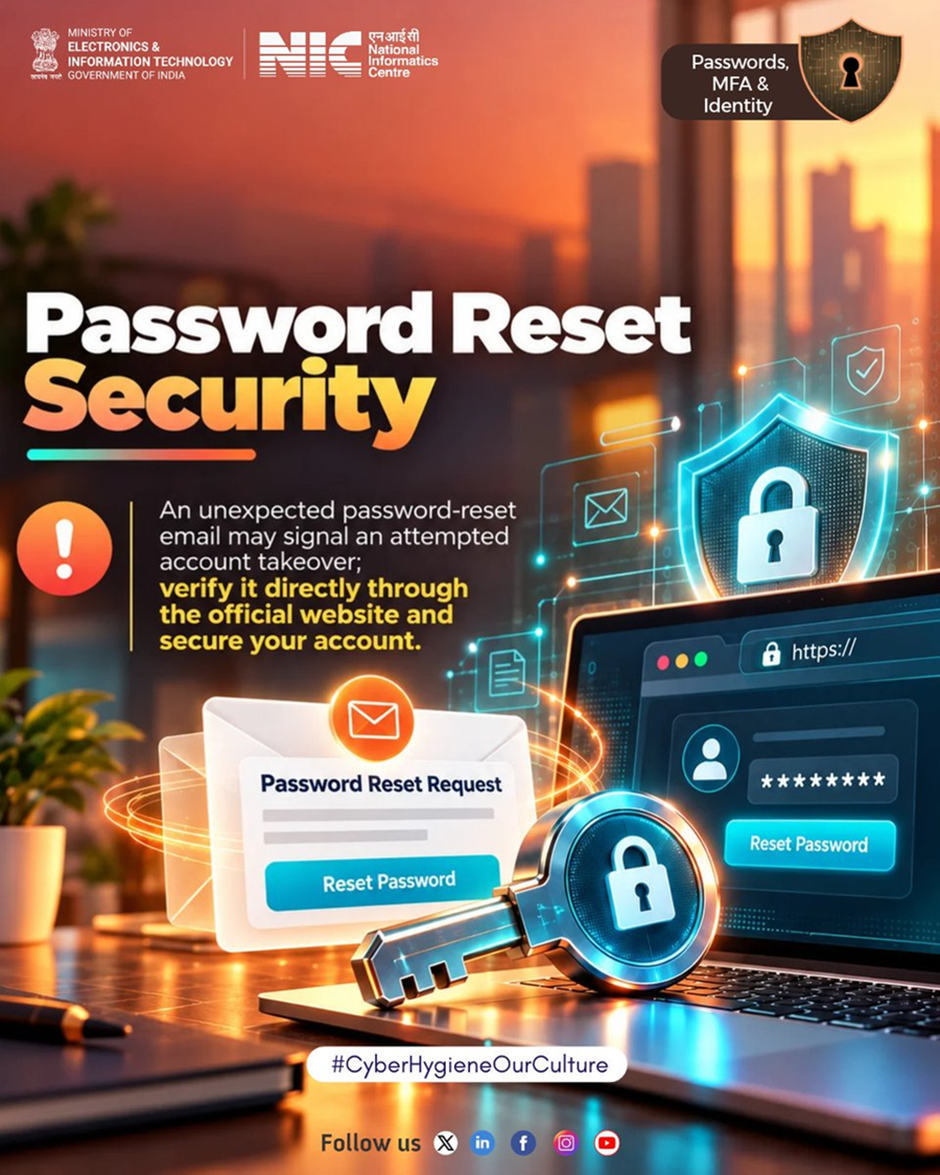
Password Reset Security.
You didn’t request a password reset. So why did you receive one?.⚠️ It could be a sign that someone is trying to access your account. Stay alert and secure your account.
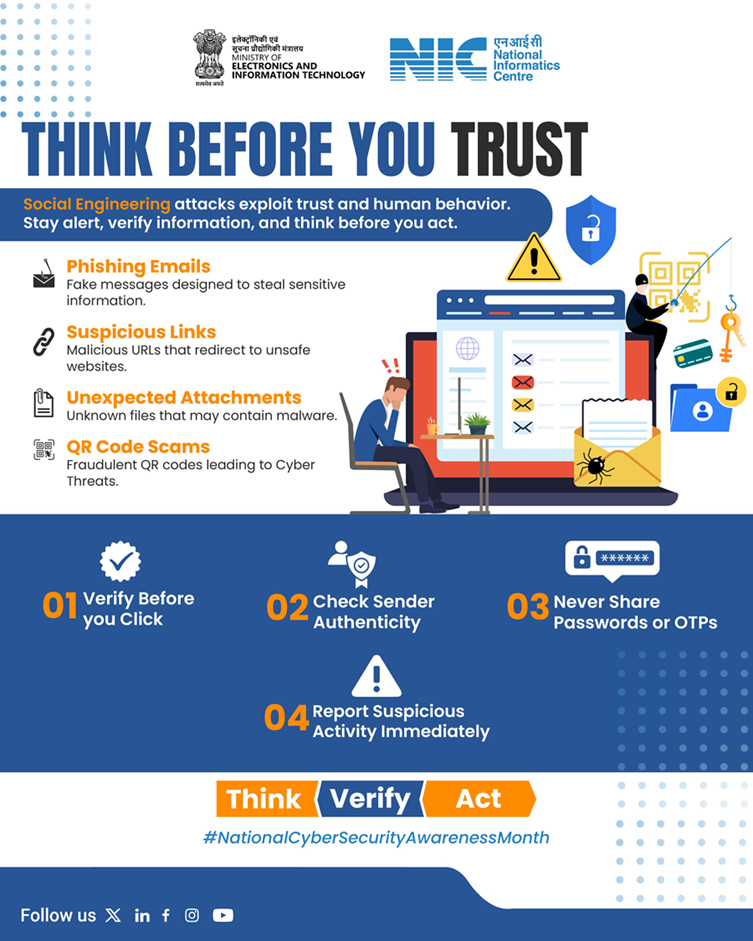
Think Before You Trust.
🚨 Think Before You Trust!. Stay alert against phishing emails, suspicious links, malicious attachments, and QR code scams.
Verify before you click, check sender authenticity, never share passwords or OTPs, and report suspicious activity immediately.
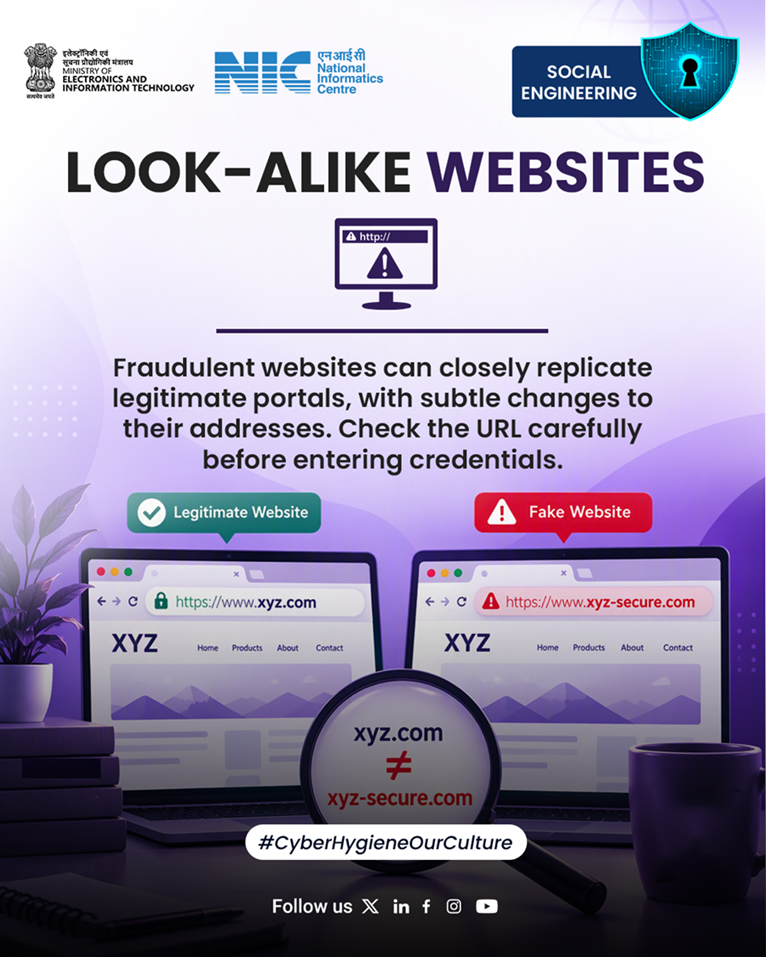
Always double-check the URL before clicking links.
The website looks legitimate. But what if one small detail in the address is different?⚠️.Cybercriminals create look-alike websites to trick users into sharing sensitive information.Always double-check the URL before clicking links or entering your credentials.
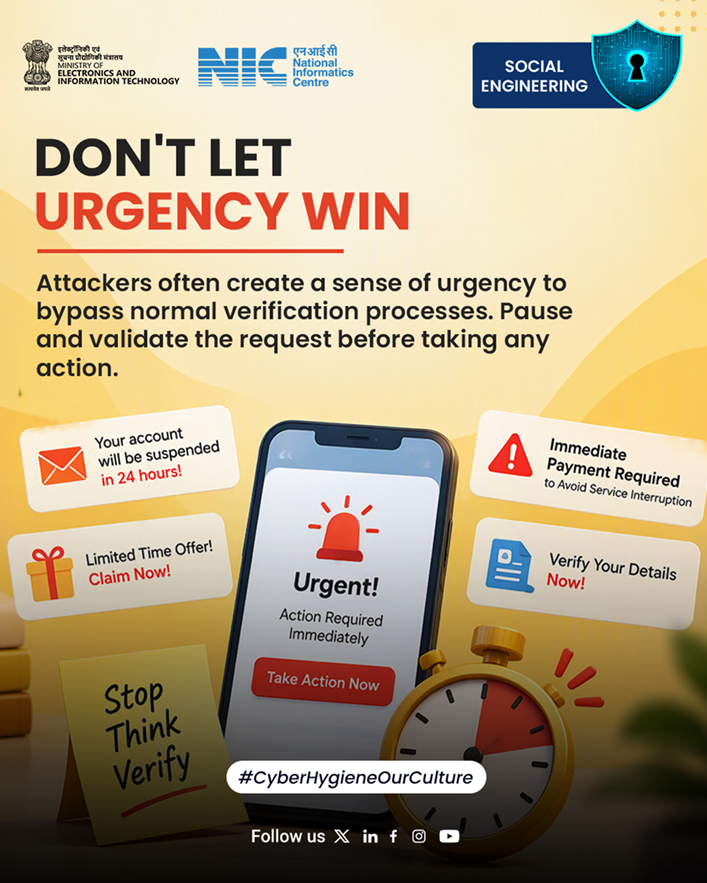
Don’t Let Urgency Win.
🚨 Don’t Let Urgency Win!. Cybercriminals often create a false sense of urgency to trick you into making hasty decisions. ⚠️
🛑 Stop. Think. Verify.Always validate suspicious messages, payment requests, and urgent alerts before taking action. Stay alert, stay secure!
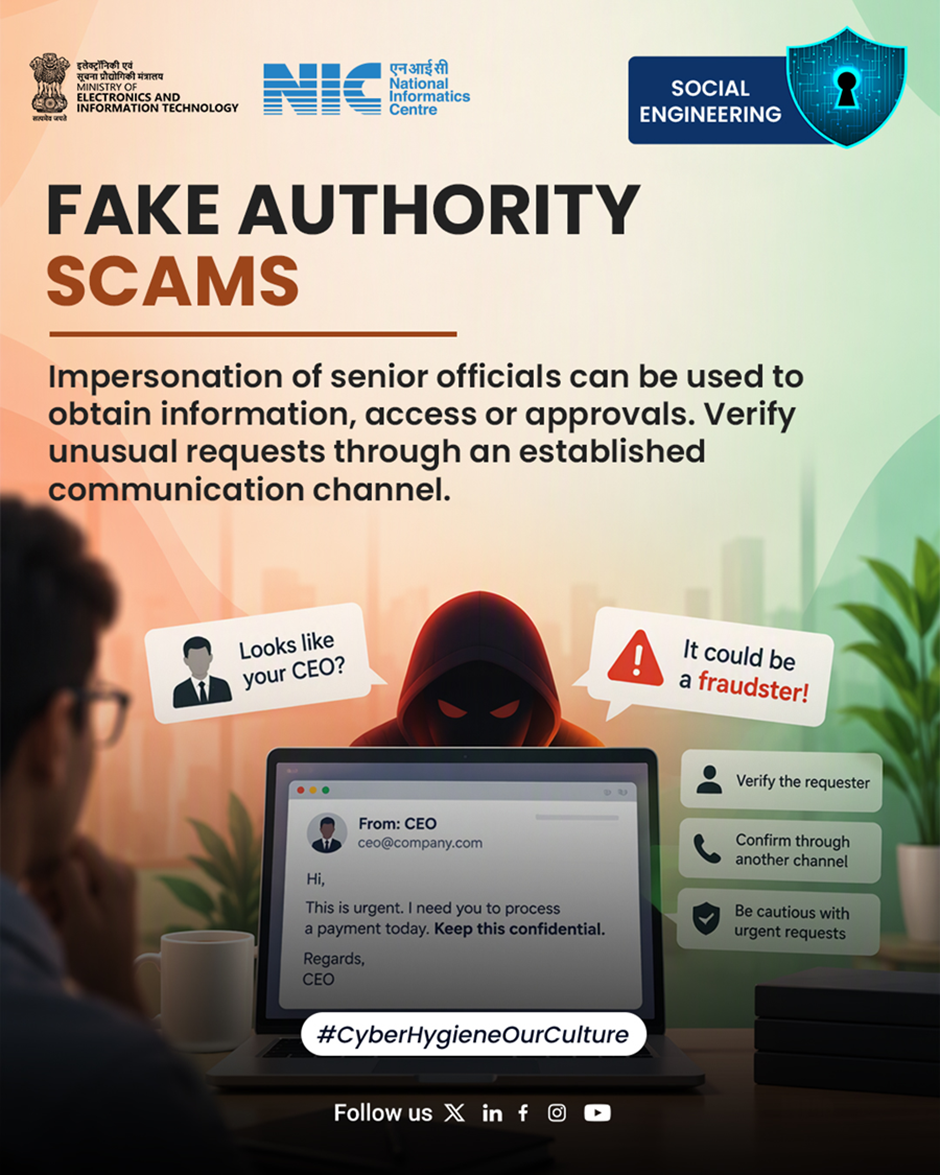
Fake Authority Scams.
A request from a senior official may sound important, but is it genuine? 🤔.Always verify unusual or urgent requests through an established communication channel before taking action.
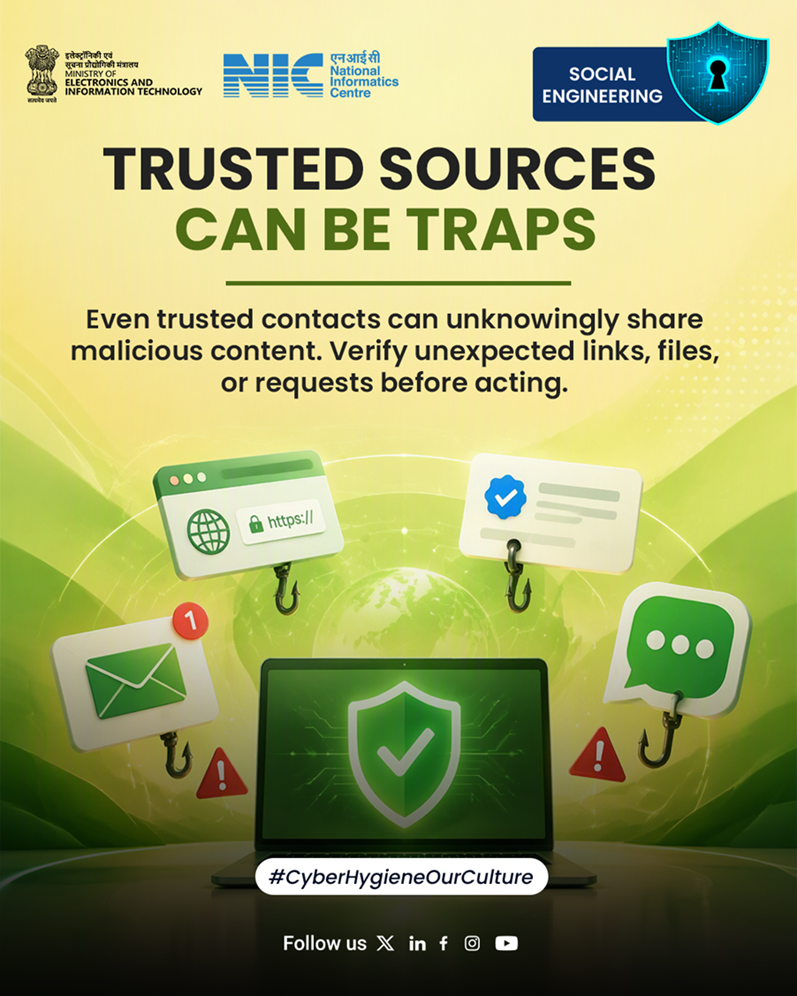
Even a trusted contact can unknowingly send something malicious.
Even a trusted contact can unknowingly send something malicious 🔗⚠️.Would you check before clicking? 🤔.Stay alert, verify unexpected links, files, and requests, and think before you click.
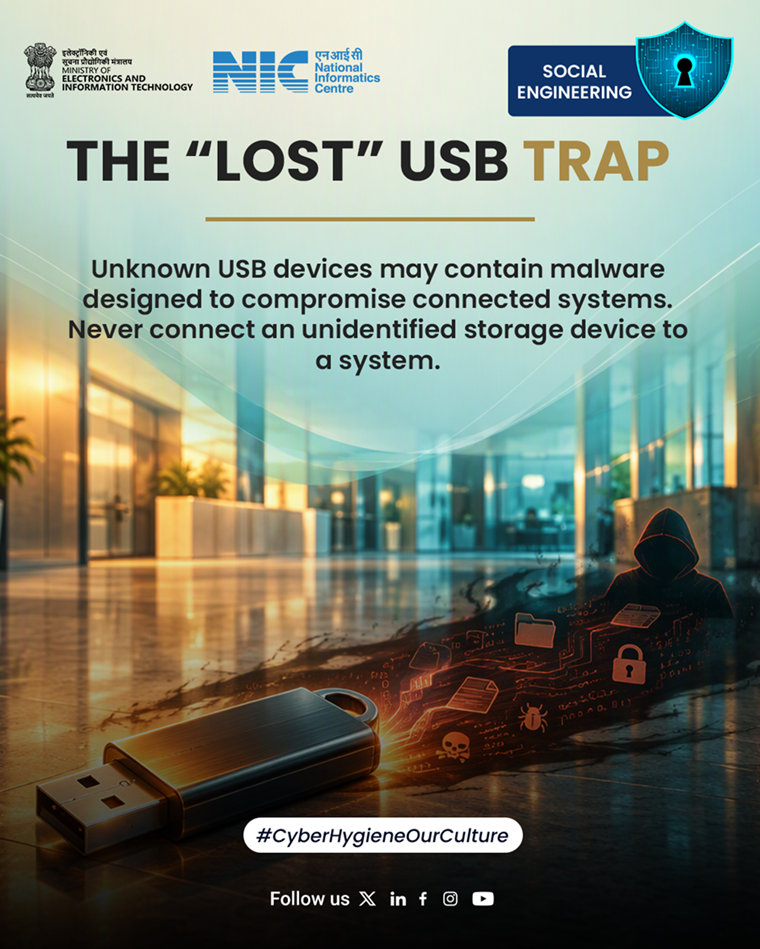
Never connect an unknown USB device to your computer.
You find a USB drive outside your office. What would you do?. Think before you plug it in!. A seemingly harmless USB drive could be a trap designed to steal sensitive information, spread malware, or compromise your organisation’s systems.🚫 Never connect an unknown USB device to your computer.


